
Object Storage Visuals V1.2
Object Storage Visuals V1.2
For farms where storage should not only work, but also look like real work:
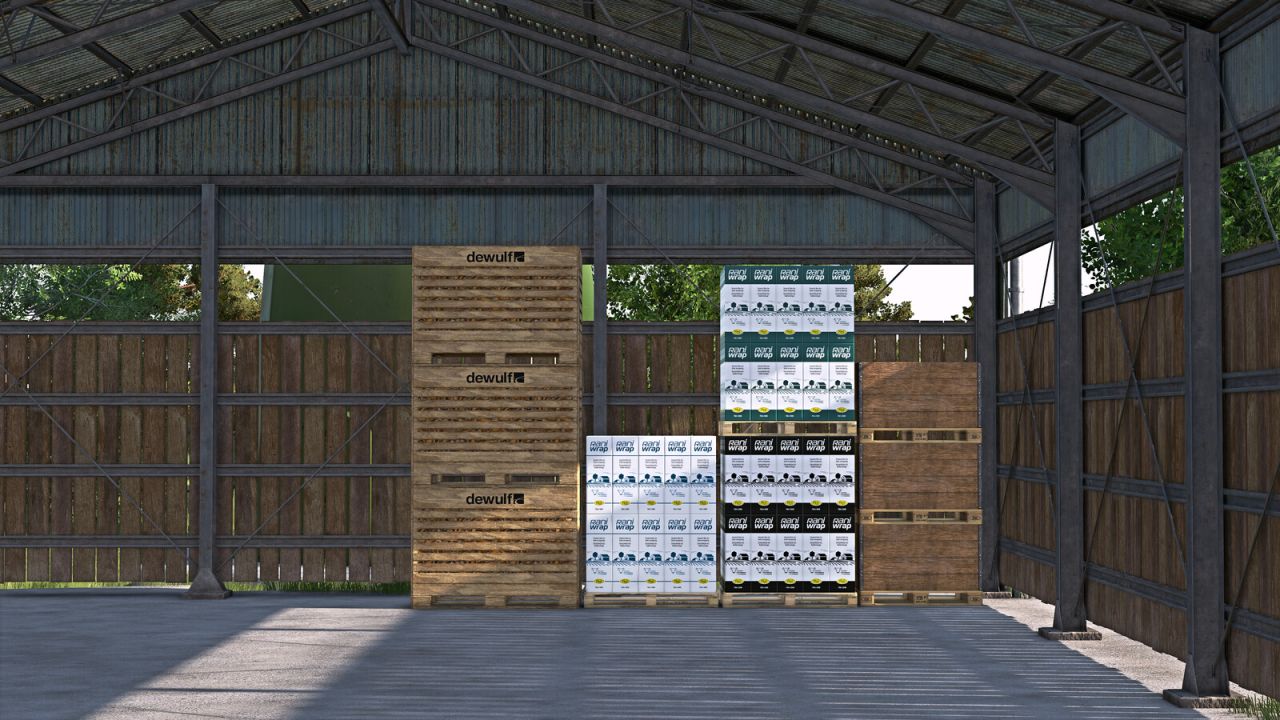
GIANTS ObjectStorage stores pallets and bales efficiently, but still leaves plenty of room above.
That ends now.
Object Storage Visuals brings life into storage:
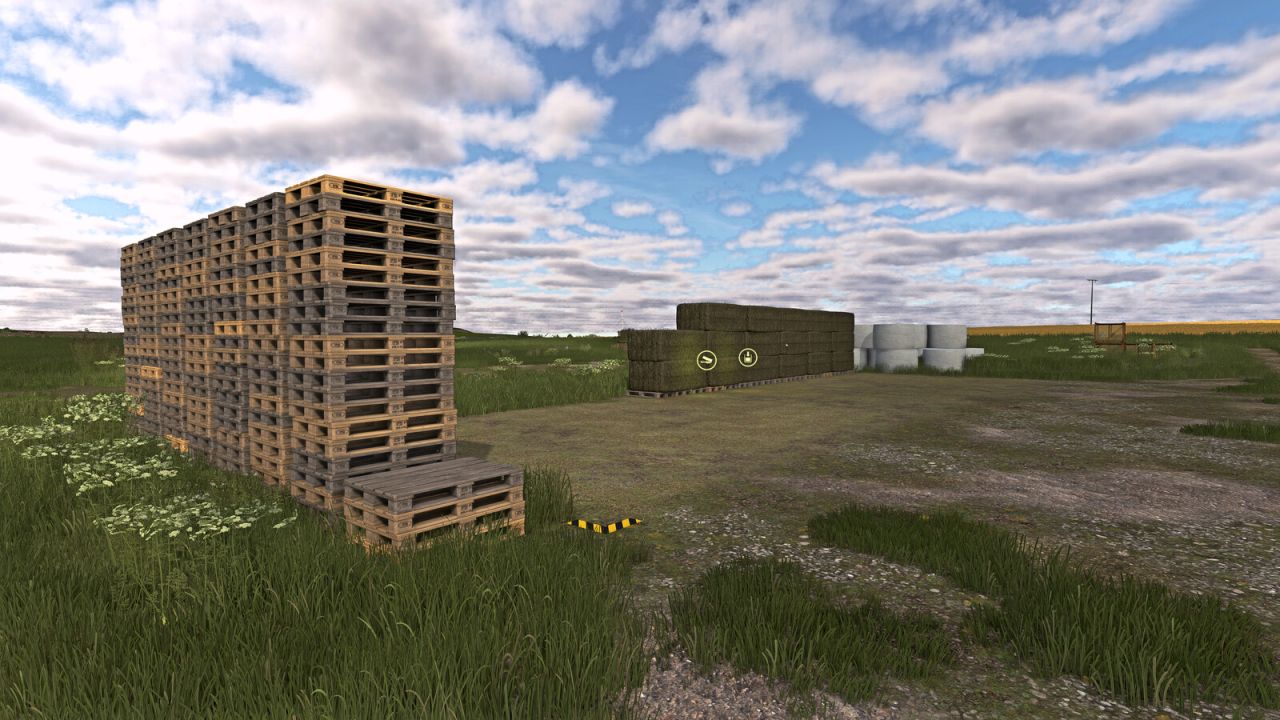
Pallets stack visibly on top of each other, bales sit closer together and more naturally, wrapped bales keep their color, and ObjectStorage no longer looks as if somebody rented half the storage space to fresh air.
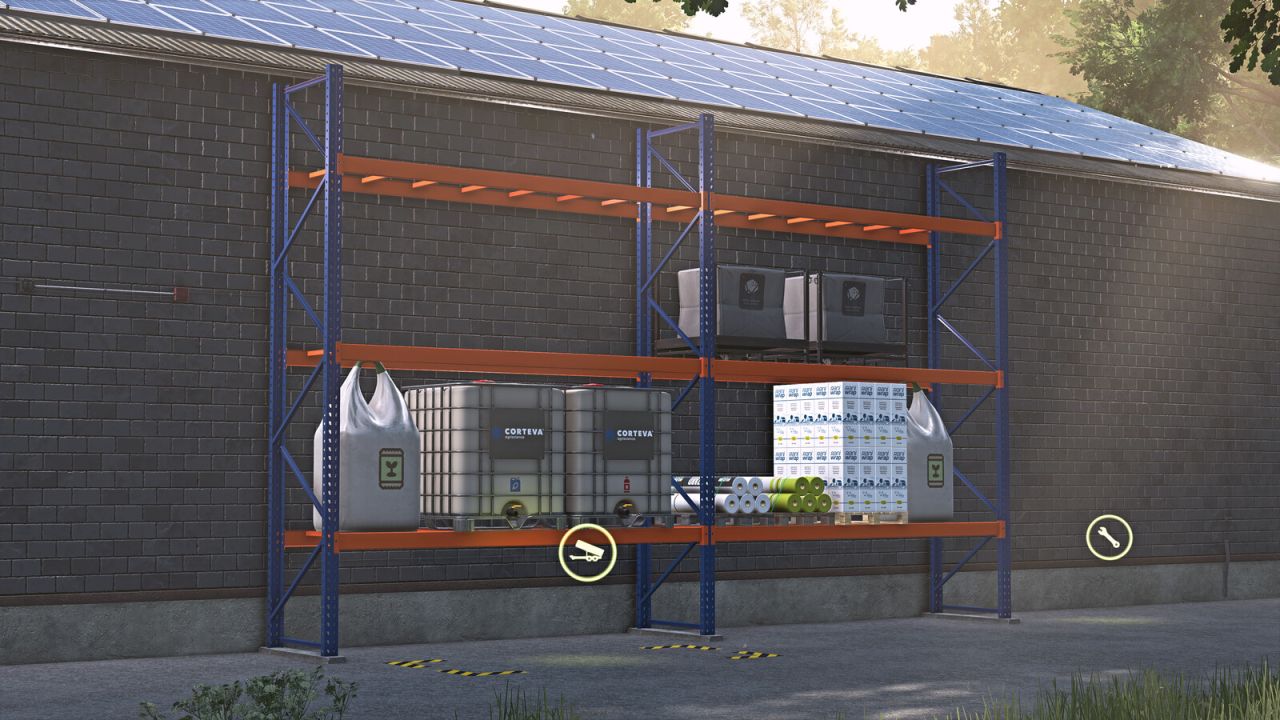
Instead of a flat floor parade, you get visibly used height. Consumable pallets also display their contents in multiplayer.
Variants remain recognizable: different bale twine brands, wrap colors and bale net variants are no longer visually merged into the same generic appearance.
Store and reuse refillable crates
Supported crates can now be stored empty or filled in ObjectStorage. Identical crates can be retrieved together in the desired quantity. Each crate retains its age, operating time and condition.
Depending on the crate and available storage height, crates are also visibly stacked on top of each other.
Sell the contents – keep or return the crate
Each farm can choose what happens to its crates after they have been completely emptied at a selling trigger:
Keep crate: The contents are sold and the empty crate remains available for refilling.
Remove crate: After complete emptying, the crate is removed and its configured purchase price is refunded as a deposit, without deductions for age or condition.
This setting applies at pallet and bulk selling triggers, including automatic unloading. The trigger must accept the contents, and the crate must support the corresponding unloading method.
In multiplayer, the owning farm’s setting always applies. Even when another farm delivers the crate, the owning farm receives the income from the contents and any deposit refund. Only farm managers can change the setting; other farm members can view it.
Crate purchases and crate sales or deposit refunds appear in separate rows in the finance overview. Supported empty crates can also be sold normally at the vehicle dealer, where the game’s normal resale price applies.
Supported crates
The three refillable base-game crates and the refillable crate spawned through Easy Development Controls are supported automatically.
OSV also supports the crates from:
– FS25_transportBoxes by IrrSinn Rainer
– FS25_OrengeTCPack by 76-Max
FS25_vegetablesPallets by [Weekend Farmers] BlackTiger serves as a reference mod for adding direct XML support to your own refillable crates.
Crate features apply specifically to supported or appropriately prepared crates. Other pallets retain their existing behavior.
Other supported mods
FS25_moreWrapColors by [PfalzAgrar] is supported automatically.
Bales from FS25_RounderWrappedRoundbales by OlaHaldor are also displayed rounder in storage.
The storages from FS25_ObjectBaleStorage by Kastor [D-S-Agrarservice] serve as the reference mod for supported bale functions.
The pallets from FS25_compostProduction and FS25_emptyPalletFactory by [Weekend Farmers] serve as reference mods for stackable mod pallets.
For modders
German and English PDF integration guides are included. They explain the XML entries for custom storages, pallets and refillable crates, including underlay pallets, spare pallet stacks, slot triggers and dynamic capacity.
Refillable crates can be enabled for OSV directly through an XML entry. Stacking dimensions can be configured to suit each crate.
Prepared storages retain their normal ObjectStorage functionality without OSV. Pallets adapted for OSV also retain their crossplay compatibility, provided they are otherwise crossplay-compatible. The optional XML entries alone do not remove crossplay compatibility from storages or pallets. The respective mod’s scripts and assets remain decisive.
V1.2.0.0
Added support for refillable crates in ObjectStorage, including grouped storage and retrieval and visible stacking.
Added a per-farm setting to keep crates after selling their contents or return them for a refund of their purchase price as a deposit.
Added separate finance rows for crate purchases and crate sales or deposit refunds.
Added XML integration for custom mod crates and extended the German and English PDF integration guides accordingly.
Author: [Weekend Farmers]


