Orchard Refund V1.0
Orchard Refund V1.0
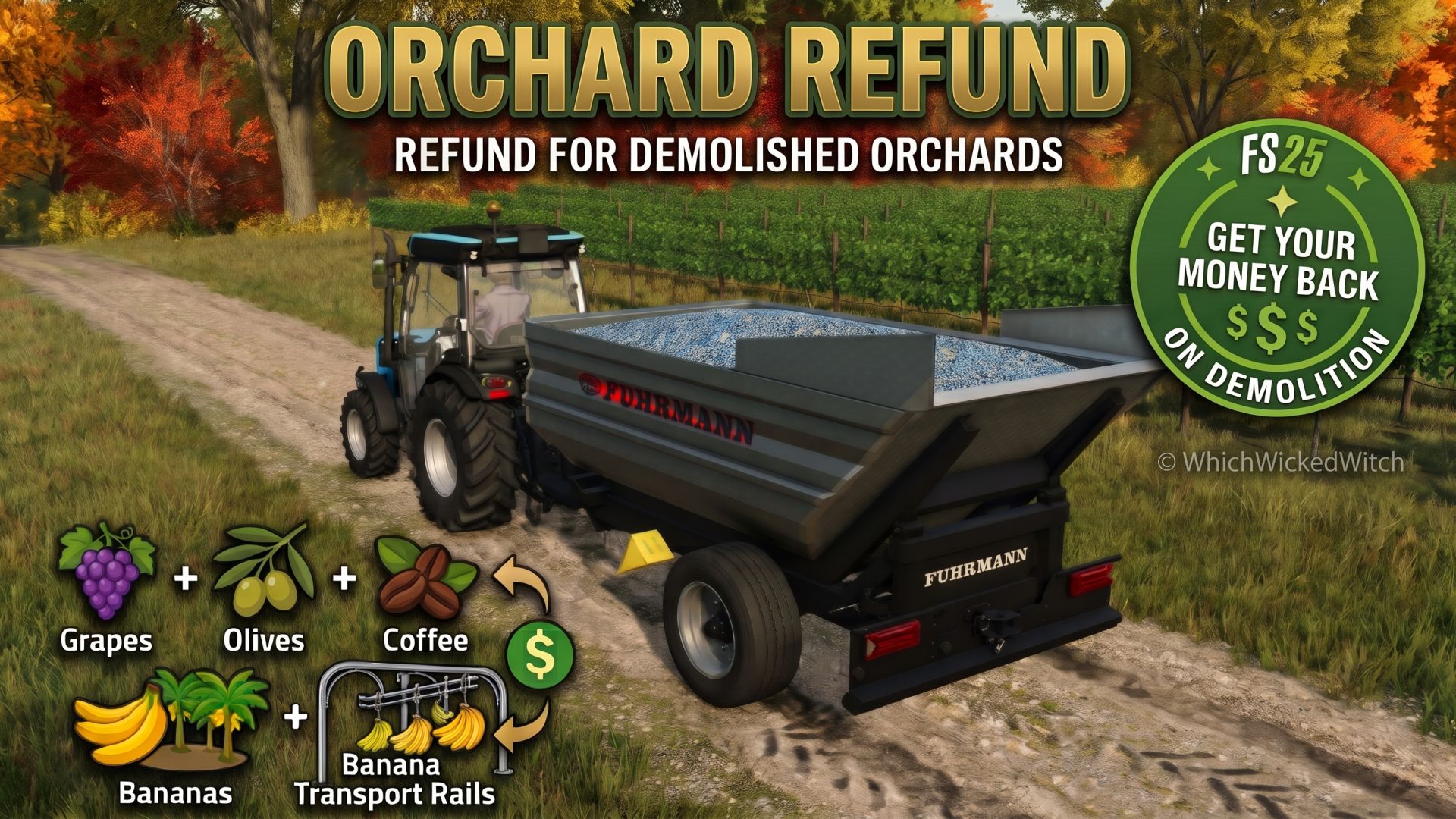
Get your money back when demolishing orchard constructions!
Orchard Refund is a script mod for Farming Simulator 25 that refunds the construction costs of individual orchard components when they are demolished.
Ever placed a vineyard, plantation or transport rail, changed your mind about its layout, and wished you could get your money back instead of paying for everything again?
That’s exactly what Orchard Refund is designed to do!
FEATURES
Orchard Refund currently supports five construction types:
Grapes – Individual grape vine panels
Olives – Individual olive vine panels
Coffee plantations – Individual coffee rows
Banana plantations – Individual banana rows
Banana transport rails – Individual rail sections
Refund amounts are determined using the game’s construction prices and the corresponding component data, rather than relying on fixed amounts for every row or section.
IMPORTANT INFORMATION
Single-player only. Multiplayer is currently not supported.
The official Beans & Alpacas Pack is required only for coffee plantations, banana plantations and banana transport rail support.
Only supported orchard construction costs are refunded. Landscaping, terrain deformation, levelling and terrain restoration costs are excluded.
Refunds are credited to your farm through the game’s normal money system. They appear under the Other finance category rather than the construction-cost category.
Ambiguous construction changes are skipped to prevent accidental refunds. In particular, multiple fence-based segments disappearing within the same detection interval will not be refunded.
Custom orchard definitions and third-party construction systems are not guaranteed to be supported.
COMPATIBILITY
Farming Simulator 25
Single-player
Base-game grape and olive orchards
Beans & Alpacas Pack (optional; required for coffee and banana features)
Author: WhichWickedWitch