
Real Farm Overhaul V1.0
Real Farm Overhaul V1.0
RealFarm Overhaul is a mod for Farming Simulator 25 that makes the way you work in the field affect yields and the condition of machines. Driving heavy equipment compacts the soil, wet ground intensifies this effect, and the cropping history determines the crop rotation bonus or penalty. Compaction can be reduced by plowing, while the additional vehicle wear can be removed by repairing the vehicle in a regular workshop.
What does the mod change?
Soil compaction
Each pass over your own field increases compaction along the vehicle’s route. The effect is stronger with greater vehicle weight and on wet ground. If you drive over the same track several times, compaction will continue to increase there. At maximum compaction, the yield from the affected section can drop by 18%. Plowing removes compaction from the plowed area.
Soil moisture
The mod reads moisture levels from the FS25 weather system. The wetter the ground, the faster compaction and vehicle wear increase when driving across the field. Above 30% moisture, a gradually increasing yield penalty appears, up to a maximum of −10%. The game’s rules regarding harvesting during rain still apply.
Crop rotation
The first harvest of a given crop creates a history at the harvest location. During the next cycle, the mod compares the new crop with the previous one:
Crop sequence
Effect on yield
Example
Same crop
−12%
Wheat after wheat
Different crop from the same group
−6%
Barley after wheat
Crop from another group
+5%
Soybeans after wheat
The change resulting from crop rotation is added to the effects of compaction and moisture. Crop rotation includes the crops listed in the mod configuration that use the standard FS25 harvesting path.
Additional vehicle wear
Driving across your own field increases wear on vehicles that use the factory repair system. By default, the mod adds 0.8 percentage points of wear per kilometer on dry fields and up to 2.4 points on very wet fields. Wear is visible on the standard vehicle condition indicator.
Indicators and progress saving
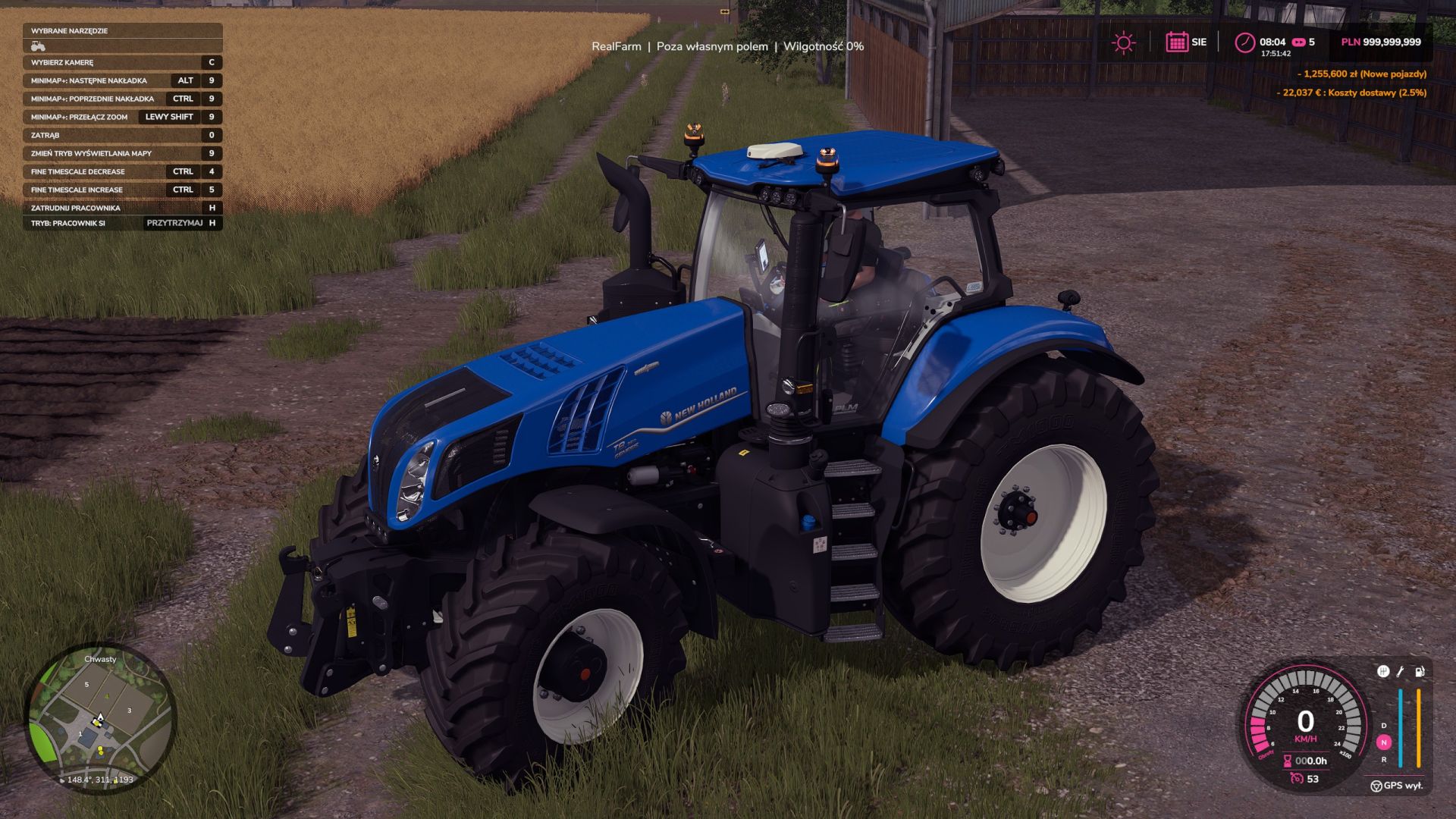
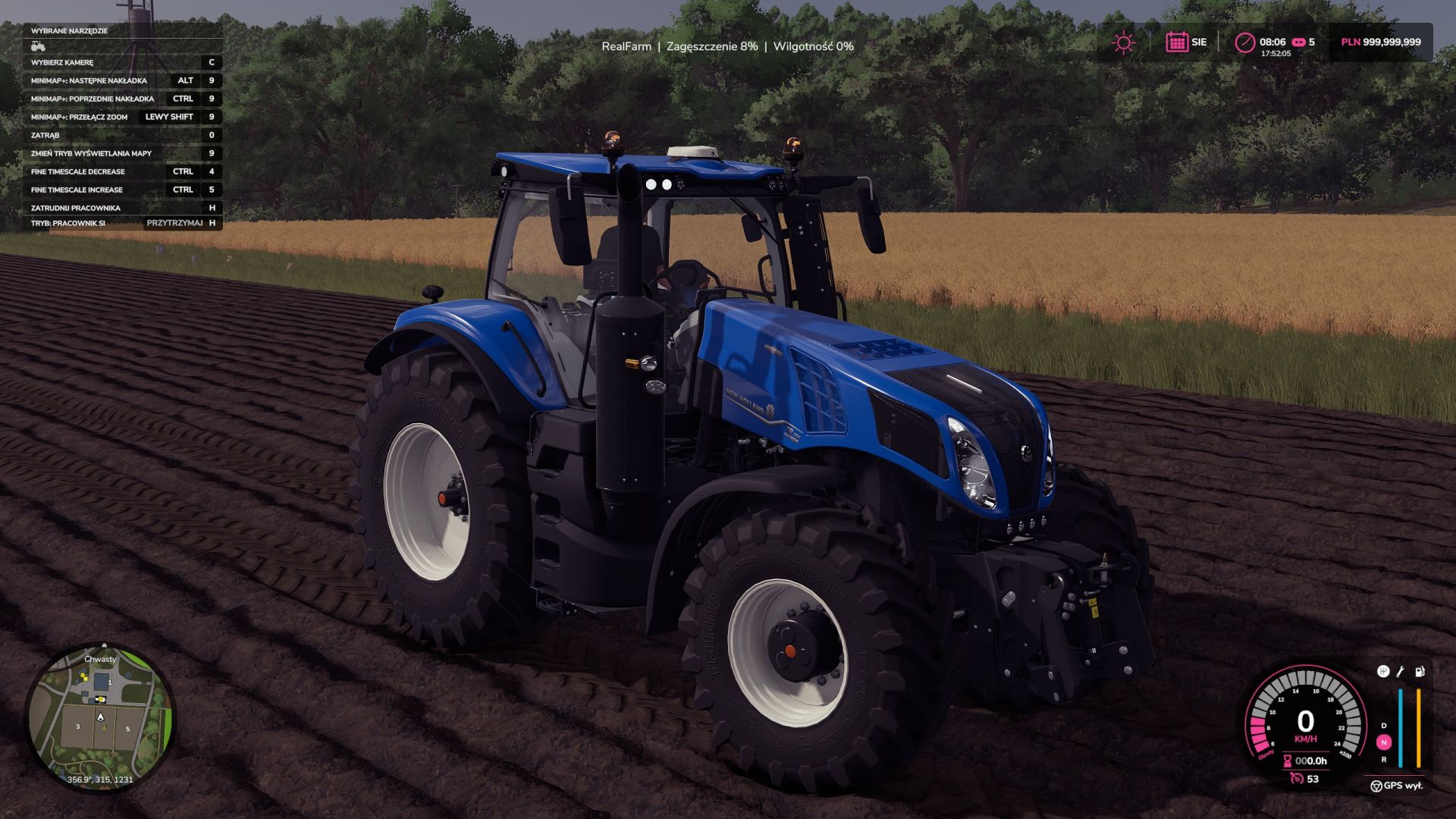
When entering a vehicle, a RealFarm bar appears at the top of the screen. On your own field, it shows the compaction under the vehicle and the current moisture level. During harvesting, when the mod changes the yield, the bar briefly shows the total effect as a percentage. Outside your own field, the bar displays the message “Outside your own field”.
Compaction and crop history are calculated on a 4 × 4 m grid. The state is saved together with the career in the realFarmOverhaul.xml file, separately for each savegame. The parameters of the individual mechanics can be changed in scripts/RealFarmConfig.lua.
Author: Tyee


