Tool Work Lines V1.0
Tool Work Lines V1.0
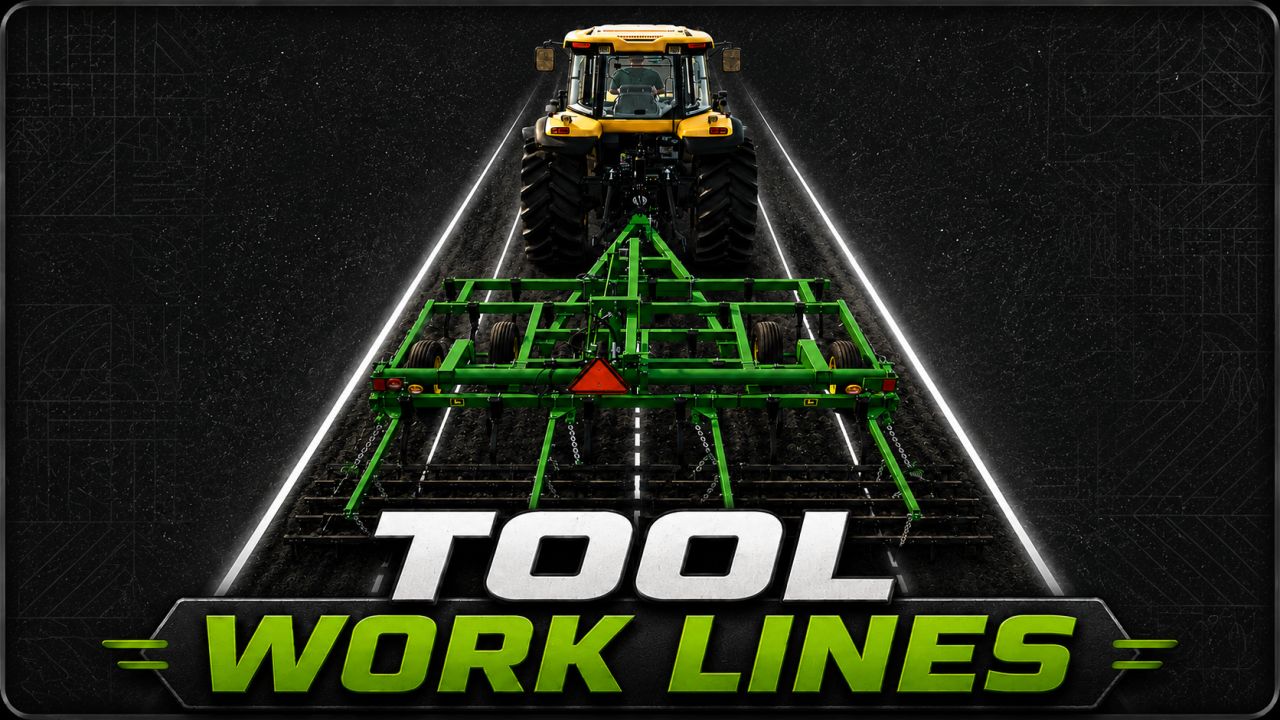
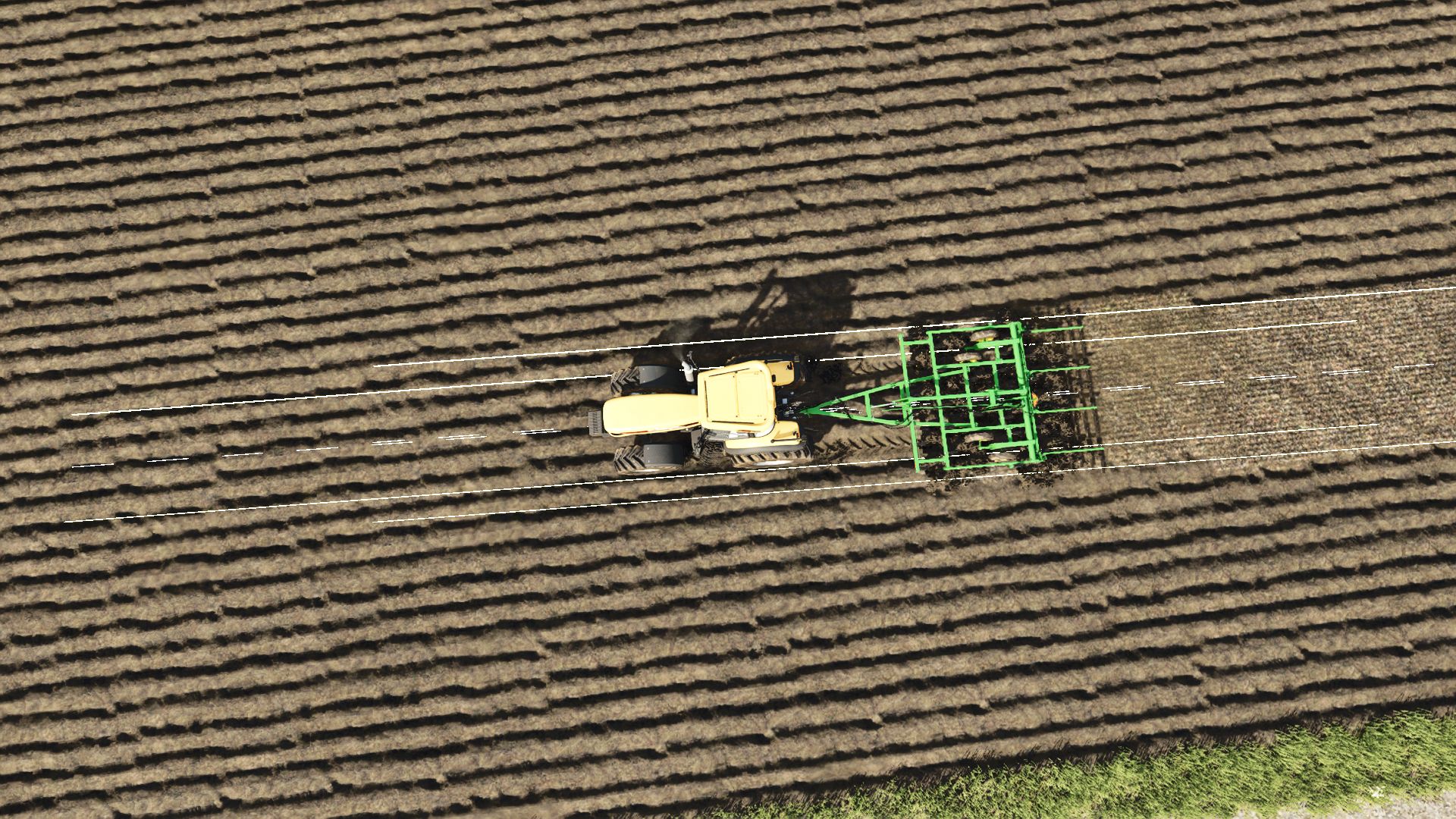
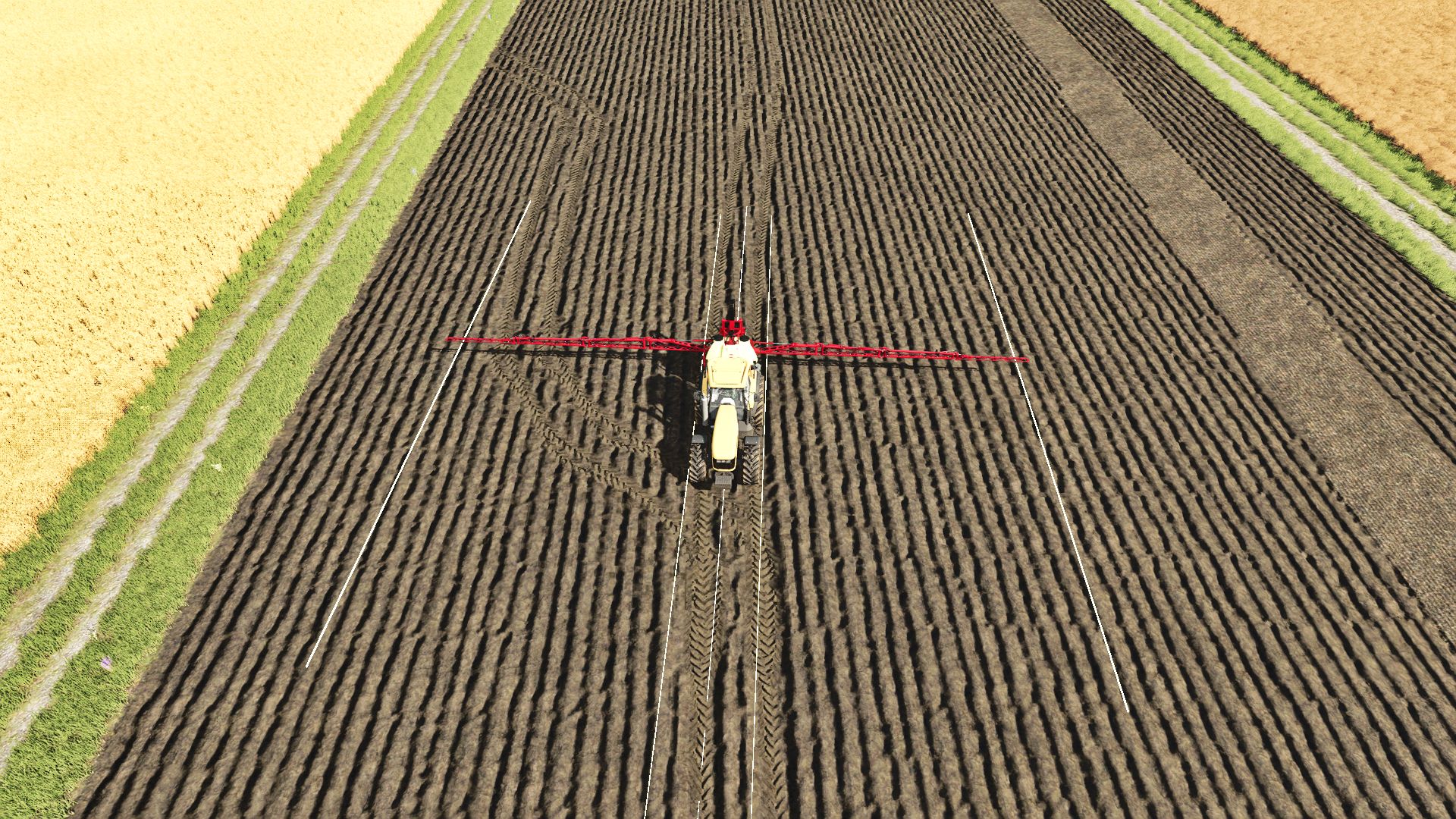
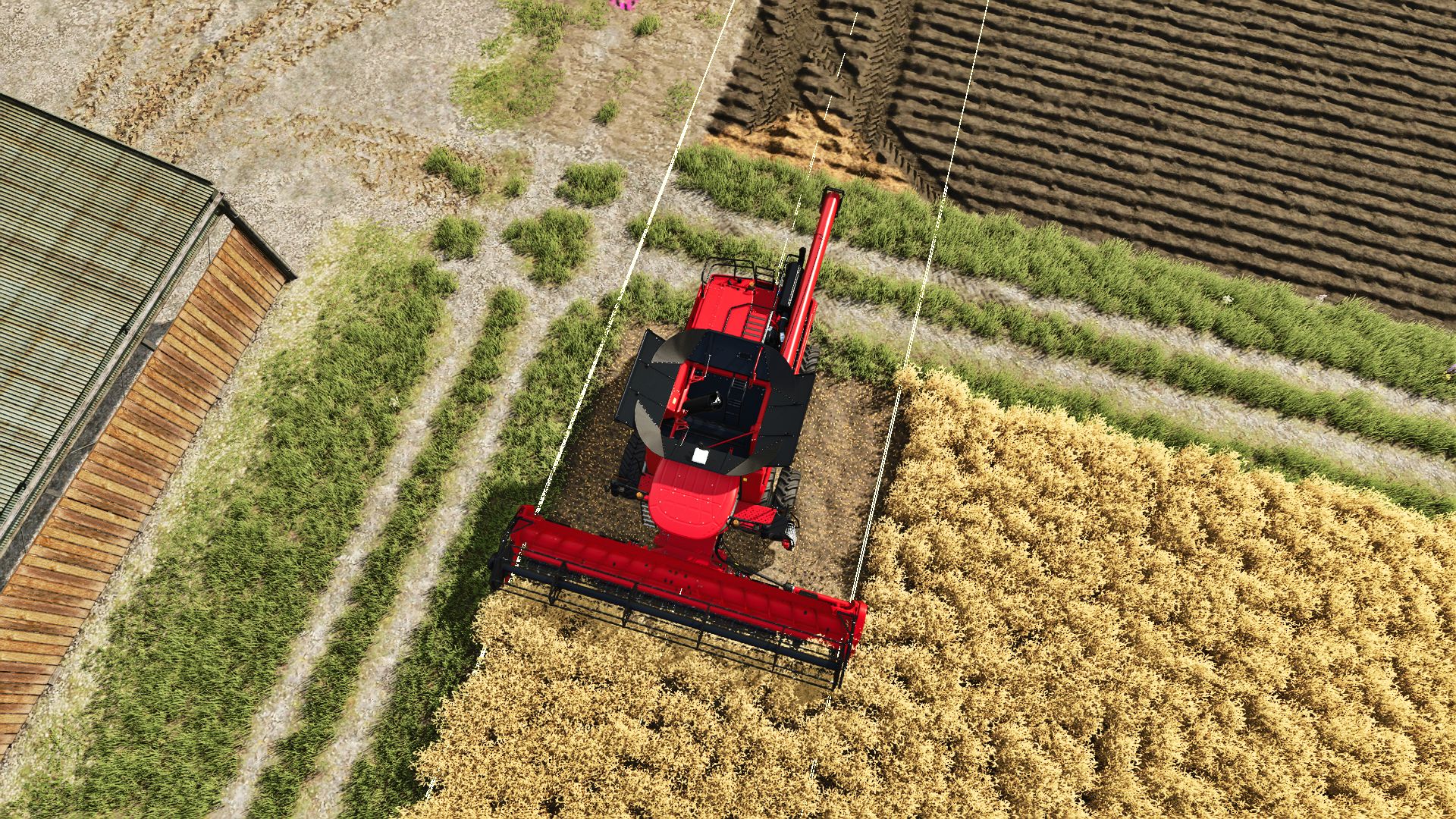
Tool Work Lines adds visual guide lines to help you see exactly where your tools and implements will work before you start the job.
Hold the show-lines key and the mod displays left/right work-width indicators on the ground, plus a dotted center guide line. This helps with lining up passes more accurately when mowing, cultivating, plowing, seeding, spraying, using bale equipment, and working with other tools.
Multiplayer- Not tested
Features
Shows tool work-width guide lines while holding the key
Supports many field tools, including:
mowers
cultivators
plows
seeders
sprayers
windrowers
bale wrappers / bale pickup equipment
trailers and fallback vehicle outlines where possible
Separate line sets for multiple attached tools, such as front mower + rear mower combinations
Dotted center guide line for easier alignment
Predictive curved guide lines while turning
Color selection menu for guide lines
Saves your selected line color
Controls
Hold Left Alt — Show tool work lines
Left Alt + Z — Open line color menu
Controls can also be changed in the game’s control settings.
Planned Upgrades
Future updates may include:
Improved support for more modded tools
Better detection for tools that do not use standard work-area nodes
More accurate bale pickup and wrapper guide zones
Additional line styles and visibility options
Optional longer/shorter prediction distance
More advanced turning prediction
Possible per-tool color options
Further cleanup for unusual tool combinations
Beta Notice
This is a beta release. The main work-line system is working well, but some tools may still use fallback detection if they do not provide standard work-area data. Please report any tools that show incorrect width, position, or direction so support can be improved in future updates.
Changelog
v0.1.0.21 Beta
Added work-width guide lines for tools and implements
Added dotted center guide line
Added support for front/rear tool combinations
Added improved bale pickup and wrapper detection
Added curved prediction while turning
Added Alt + Z color dialog
Added selectable line colors
Removed right-side notification spam
Added movement/camera lock while the color menu is open
Prepared beta release package
Author: plutogaming91