Windshield Fun/Name Plates V1.0
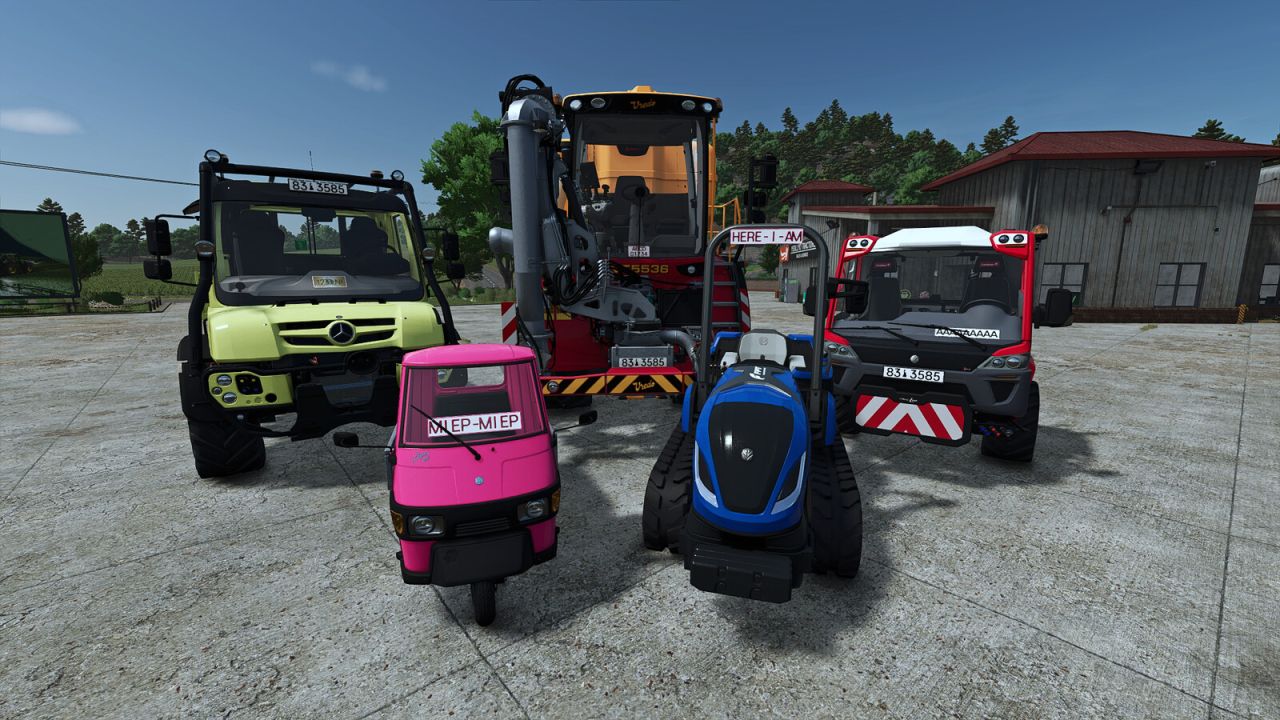
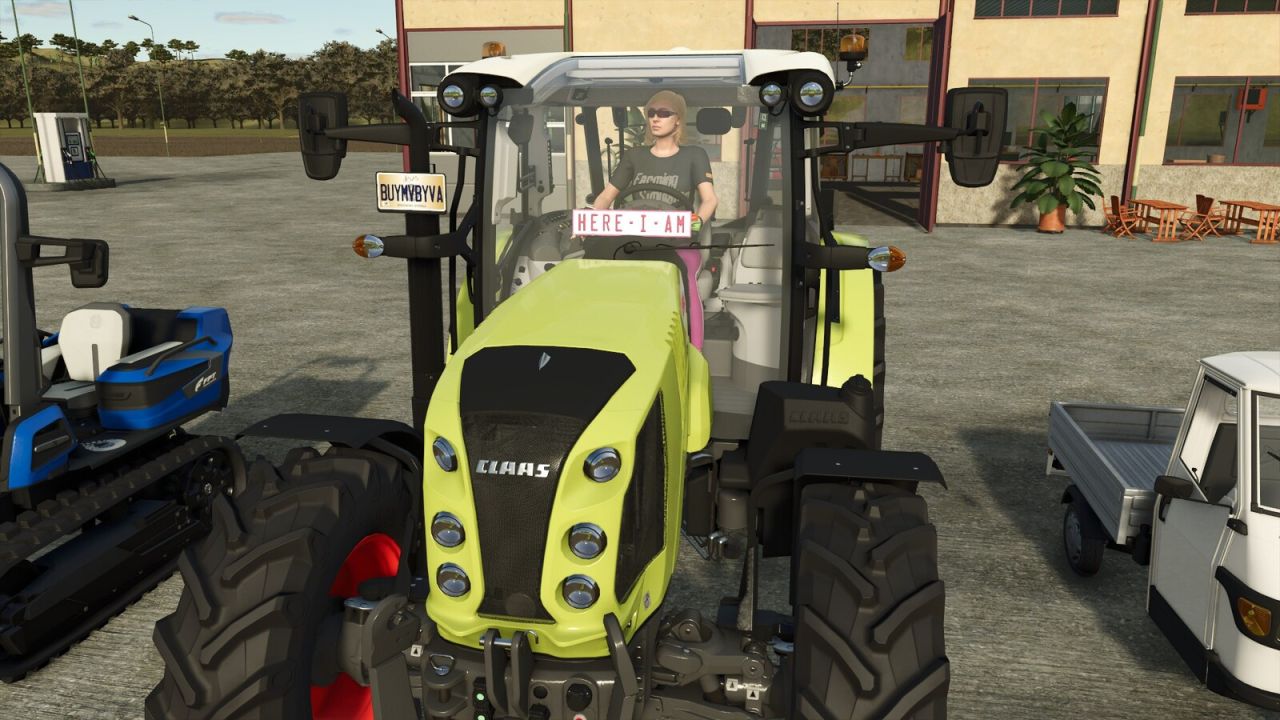
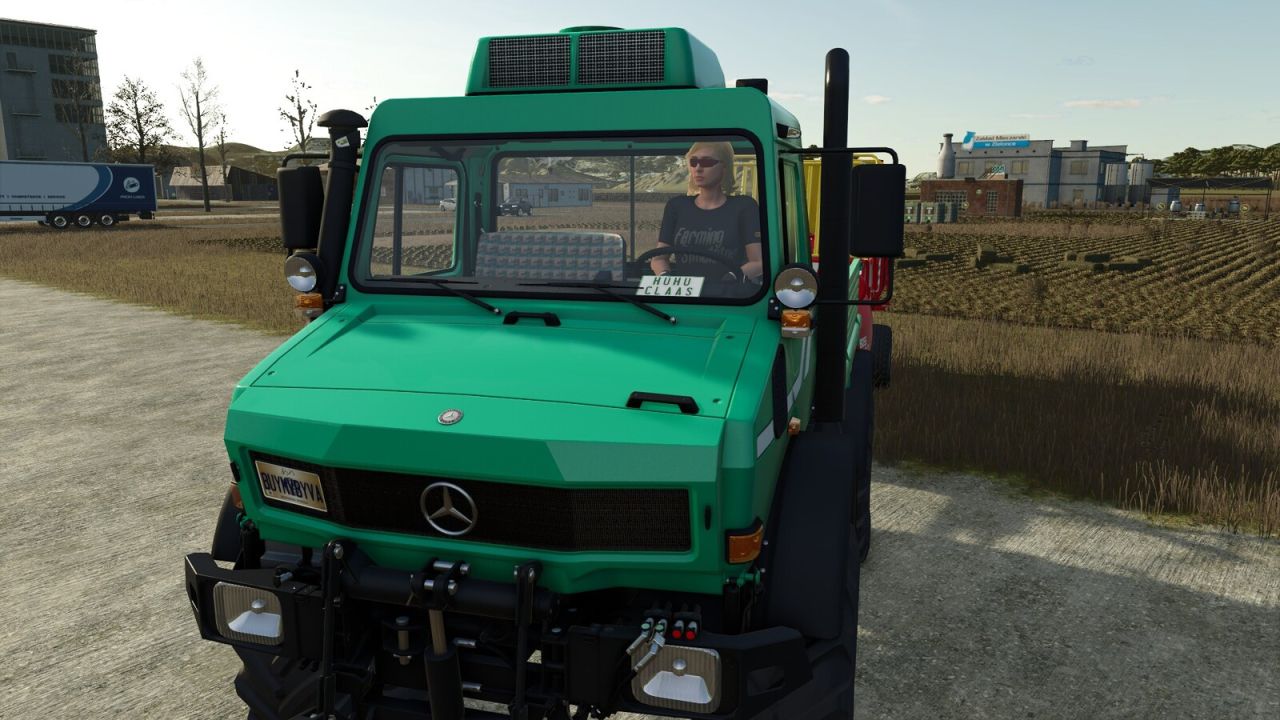
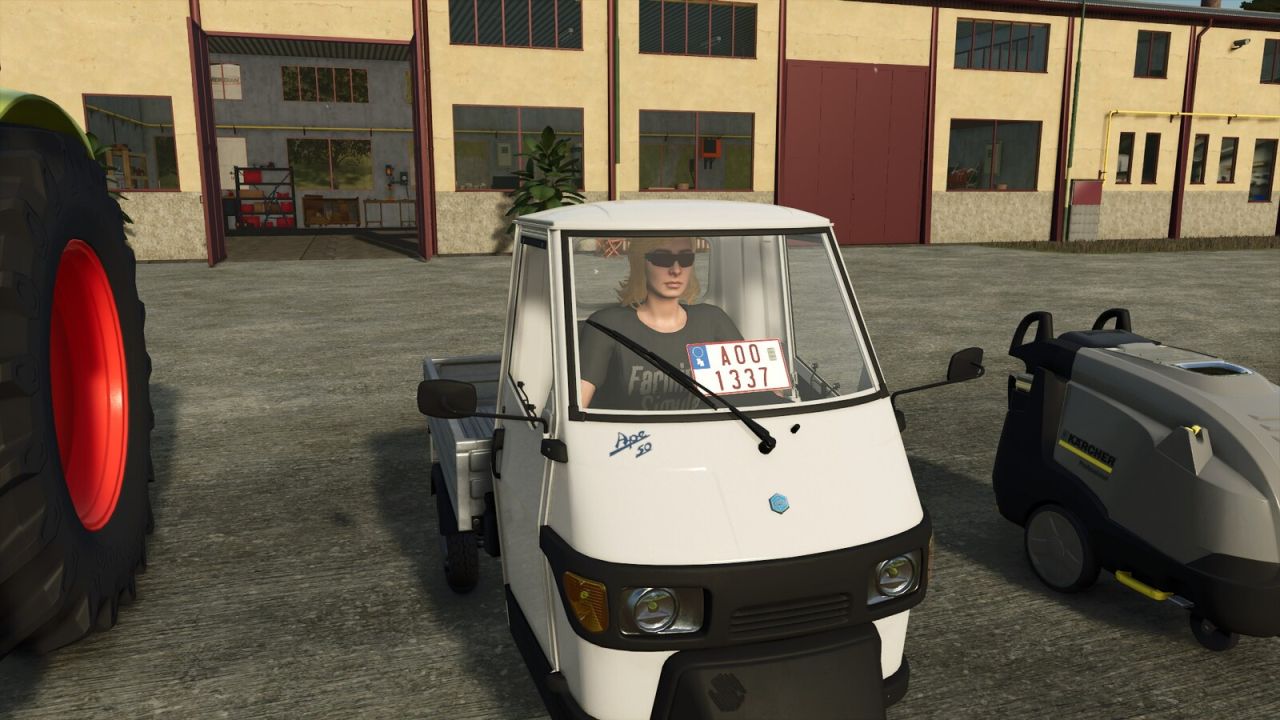
Windshield Fun/Name Plates V1.0
“Fun Plates” Custom Deco Plates for FS25!
Does this sound familiar? You’re sitting in your brand-new, obscenely expensive high-tech tractor, looking out over your virtual fields, and thinking to yourself: “Man, my 300-HP beast looks just as boring as my neighbor’s.”
Well, those days are officially over!
Give your fleet the personality it truly deserves. Whether it’s “Crop King”, “Hectare Sheriff”, or simply your own name — with the Deco License Plates (Fun Plates), you can bring that authentic trucker vibe straight to your windshield! Show everyone in the multiplayer lobby who is actually running the show.
Unbelievable Features That Will Leave You Speechless:
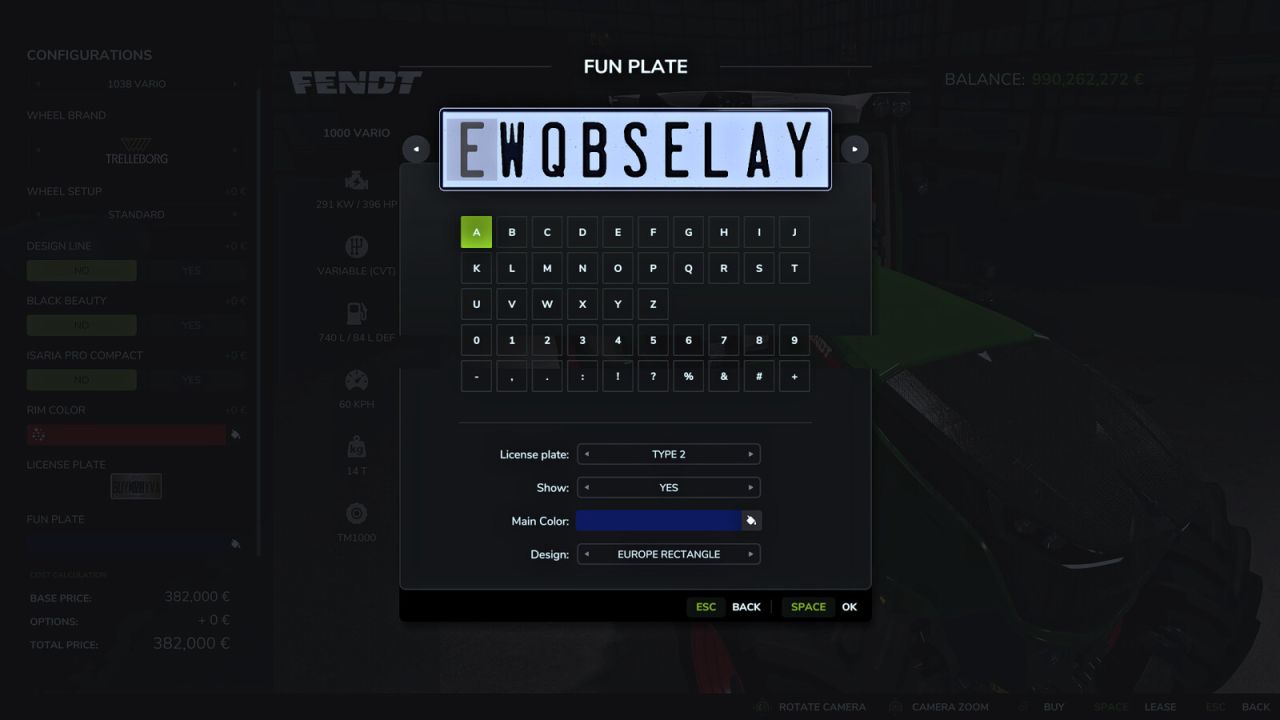
Limitless Creativity: Use any and all official license plate types and designs from the base game. Your text? Completely customizable! Write whatever you want (or at least, whatever actually fits on the plate).
The “Fits Like a Glove” Guarantee: For all base game vehicles, official DLCs, and official ModHub vehicles, our engineers have spent sleepless nights pre-configuring the absolute perfect positions on the windshield. No clipping, no blocked vision!
The Magic of Dynamic Integration: Do you use other modded vehicles? No problem! Thanks to our revolutionary, state-of-the-art technology, these deco plates work in ALL other mod vehicles. Completely plug-and-play, with zero additional modifications required! It’s practically magic!
But Wait… There’s More! The Ultimate 3D Precision Tool!
We’re not stopping there! Is the pre-configured position too mainstream for you? Want the plate lying sideways on the passenger seat or hovering right above the steering wheel? You have absolute control!
With our built-in editor, you can adjust the plate live in-game:
– X, Y, Z Axis: Slide it smoothly left-to-right, up-and-down, or back-and-forth.
– Rotation on All Axes: Tilt it, spin it, flip it—until the angle is just right.
– Scaling: Make it ginormous or tiny.
– Individual Auto-Save: The game remembers your exact settings for each individual vehicle! Once set, it stays put.
And if you’re still wearing your socks, here’s what you can expect in the future:
– More license plate designs (who knows, maybe even glowing ones?)
– Icons and logos on the license plates
– Better support for automatic placement in unknown Mod vehicles
– Fleet license plates (customize all decorative license plate texts for your fleet in a single step)
– …and whatever else crazy ideas we come up with.
Download Now!
Why drive around like a nameless, generic farmer when you could be the undisputed King of the Road? Download the Deco Plates Mod today and give your FS25 fleet the upgrade your tractors secretly dream about at night!
Procedure:
– Equip the vehicle in the shop with a decorative license plate
– If the decorative license plate is not visible, enter the vehicle
– Press the F9 key to activate adjustment mode
– Now the following keys work to position the decorative license plate:
– Ctrl + Cursor/Arrow keys (left, right, up, down) => Move on X/Y axis
– Page Up/Down => Move forward/backward
– Ctrl + Shift + Cursor/Arrow keys => Turn/rotate the license plate
– Ctrl + Shift + Page Up/Down => Tilt the license plate
– Shift + 1 => Reset position
– Shift + 2 => Reset rotation
– Enter => Save position
The in-game help section provides a more detailed description of the controls and how to use mod vehicles.
Warning:
May cause sudden bursts of pride when looking out of your cabin. Side effects such as extreme feelings of coolness in multiplayer are highly likely.
Author: Helfer B.