Machine Drive Controls v1.0
Machine Drive Controls v1.0
This mod is to designed to make better use of controller hardware with the Moza Farming Control System specifically in mind but should work with similar hardware and or peripheals that contain toggle switches etc.
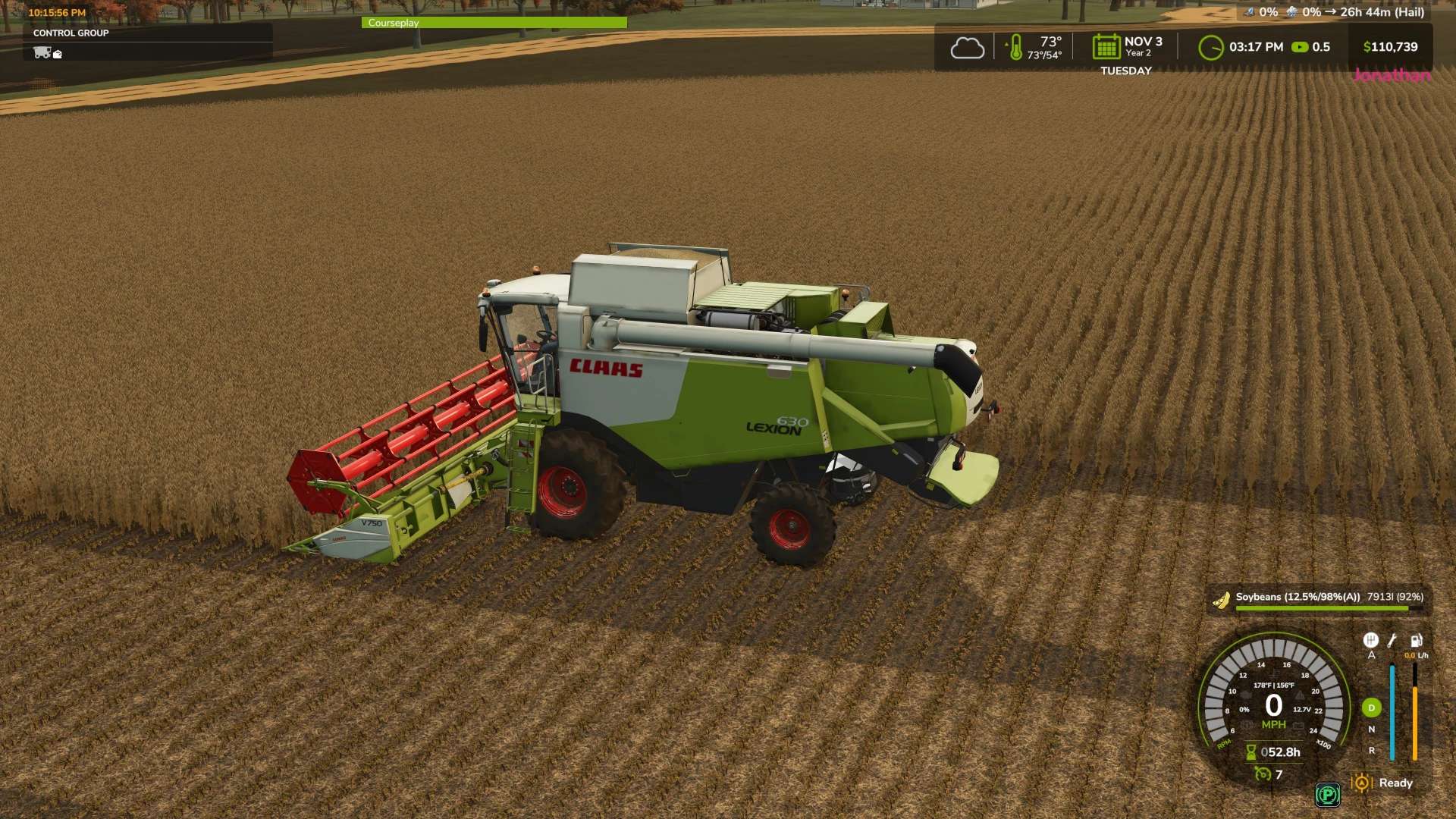
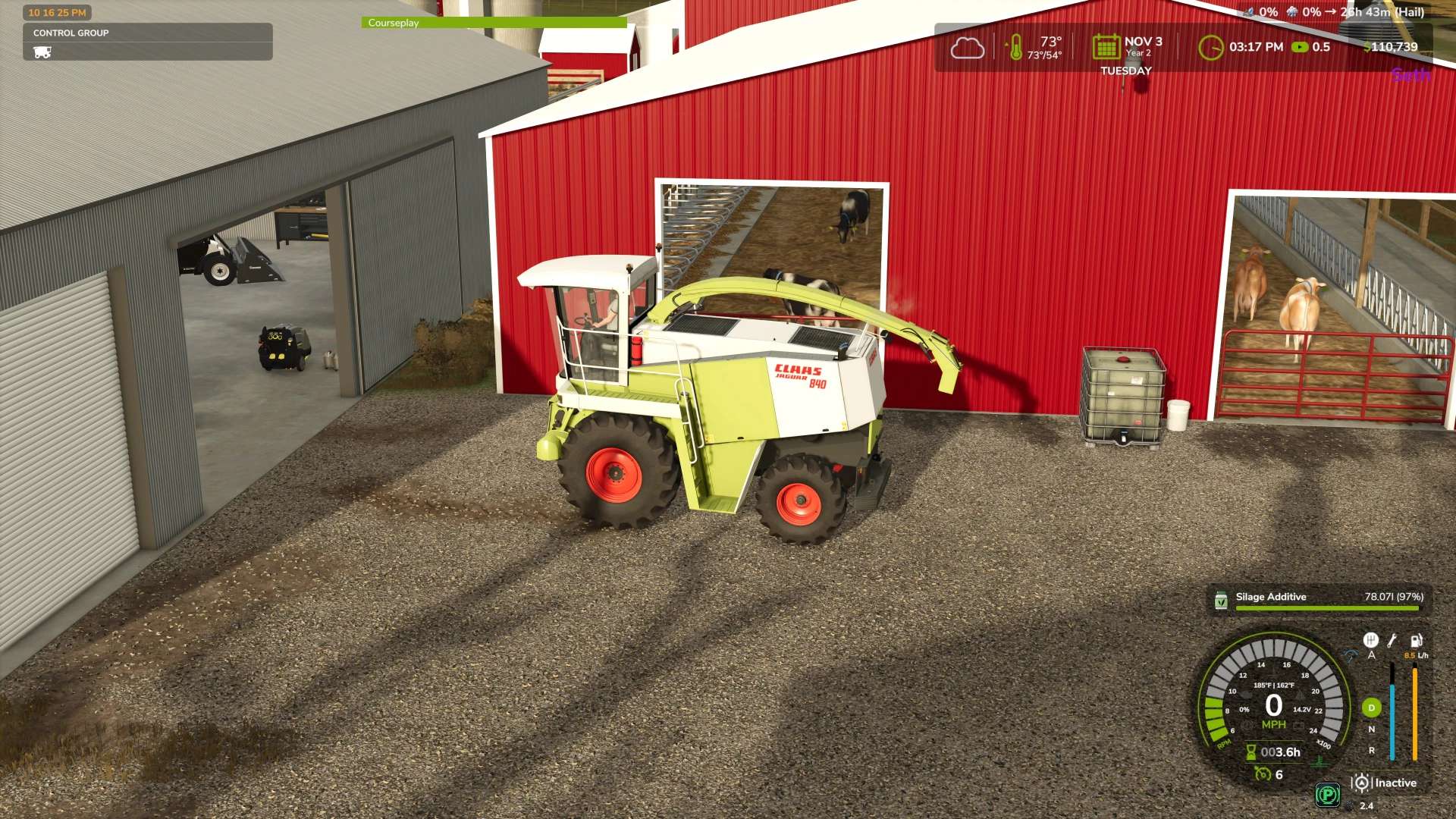
MAIN FEATURE: Provides a shop configuration that makes Hydrostatic drive an option. Perfect for vehicles like combines or forage harversters, it enables stop and go braking with automatic direction change to make full use of the throttle control on the FCS controller while standard mode keeps those options turned off for non-hydrostatic vehicles.
Additional features: This mod configures how the toggle switches to work like true toggle switches. It provides configurable keybinds in the control menu to separate on and off functions. For example, PTO switch, up is on, down is off. This can also apply to the rotary switches onthe FCS.
IMPORTANT NOTE : Currently when selecting the toggle keybinds, when trying to set the down position the game will regeister the command as both positions. for example if the toggle is 45 and 46 it will natively set 45 but 46 registers as 45 + 46. After setting the keybinds to your liking save and quit the game then restart, The mod corrects the dual key on restart. Same applies to the rotary switch setting but if you set it from high to low it will register as one control. ( to set 34, start with switch on 35 and turn to 34. 33 to 34 results in 33 + 34. )
My current configuration:
PTO on 45/46
Progressive lighting on Rotary 33 – 37
Reverser (Clogging Mod) on 38-40
Coming soon: Support for the other dials and more settings for toggle commands. Please feel free to give suggestions for command settings you need toggles for.
Author: Drmattymd