Random World Events V2.1.6.1

Random World Events V2.1.6.1
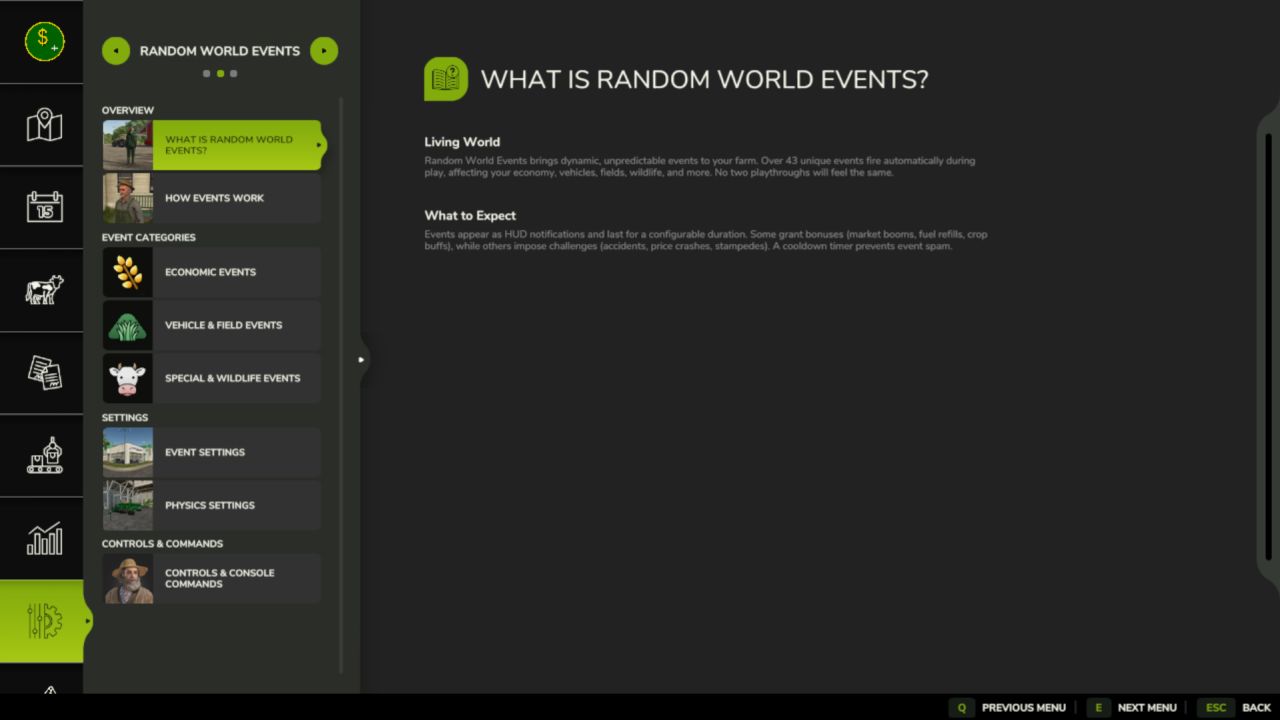
Random World Events is the full FS25 rewrite of the FS22 original. It introduces a probabilistic event engine that fires timed world events during gameplay, affecting your economy, vehicles, fields, and more. Each event has configurable intensity, duration, and cooldown. A separate physics layer applies terrain-aware wheel grip and suspension tuning to the vehicle you’re driving, every frame.
All settings are saved per savegame, so each farm can have its own configuration.
– 43+ unique events across 4 active categories
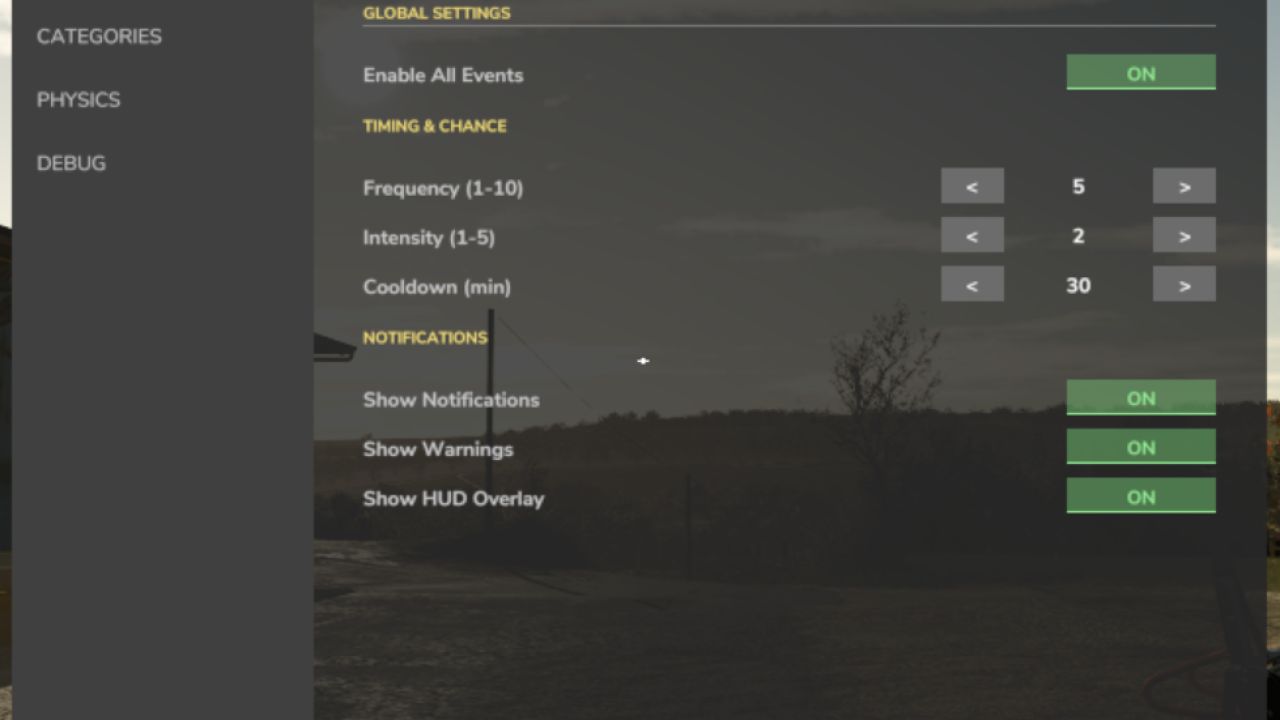
– Configurable frequency (1–10), intensity (1–5), and cooldown (1–240 min)
– Events trigger automatically on a probability timer during gameplay
– Manual trigger via settings panel or the rweTest console command
– Per-category enable/disable toggles (economic, vehicle, field, special)
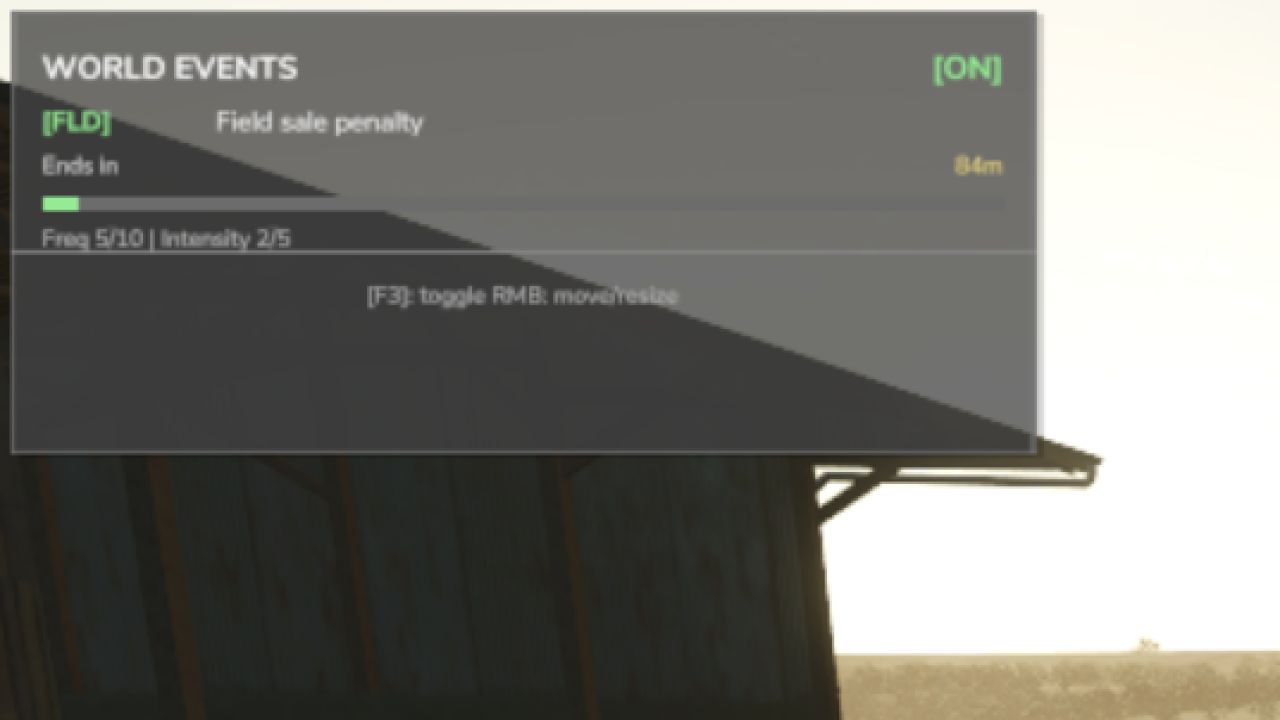
– In-game HUD notifications and warnings when events start and end
– Single active event at a time — a cooldown prevents event spam
Known Limitations
– Wildlife/animal events — category toggle exists, but events are not yet implemented
– Weather events — category toggle exists, but events are not yet implemented
– Multiplayer — declared as supported, but money/physics changes are local-only; proper network sync is not yet implemented
– Physics values — articulationDamping and comStrength are configurable but not yet wired to an FS25 physics API call
All rights reserved.
Unauthorized redistribution, modification, reuploading, or claiming this mod as your own is strictly prohibited.
Enjoy a more unpredictable farming experience!
V2.1.6.1
Several quality-of-life improvements and stability fixes in this update, including
a full rewrite of how the event HUD is drawn for better reliability across maps and
screen resolutions.
What’s fixed:
– Keybindings now persist correctly between sessions
– HUD position is saved when the game saves, not just when you quit
– Animal events no longer fail silently when the farm ID can’t be resolved
– Right-click key hint removed from HUD footer (cleaned up the display)
– Load-order crash fixed input hooks are now correctly registered on startup
– All HUD text is now fully translated instead of showing hardcoded English
What’s new:
– HUD is now drawn by the mod directly, is more stable, and works on all screen setups
– Version number and key hint in the HUD update dynamically
– Subsystem API, other mods can now hook into RWE events programmatically
– Cross-mod bridge for FarmTablet integration (events visible on the tablet)
– Improved debug tools for diagnosing event issues
– Updated mod icon
Save migration: not required. Existing saves load normally.
Author: tisonK